

README.md 879 B
ChatGPT-Gnome-Desktop-Extenstion
ChatGPT Gnome Desktop Extension | Talk with ChatGPT from your menubar!
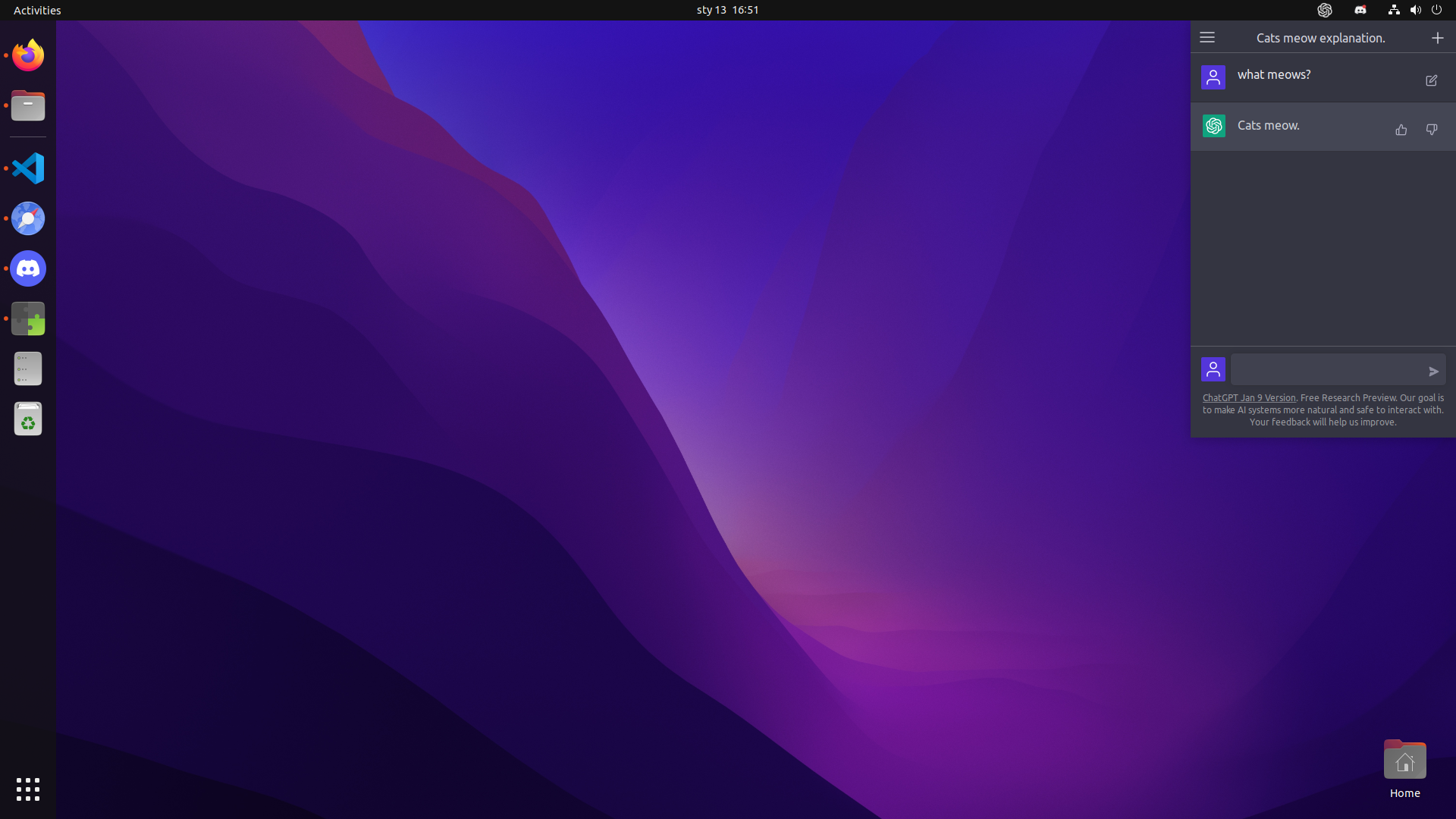
This Gnome Desktop Extension adds ChatGPT to your desktop experience. Clickable icon in the menu bar to hide and show ChatGPT!

To-do & Info:
- Enable mouse-wheel scrolling (currently only keyboard-arow-scrolling is supported)
- Clicking within the extension window is buggy
How to install:
- Place the
chatgpt-gnome-desktop@chat-gpt-gnome-desktopfolder in~/.local/share/gnome-shell/extensions/ - Restart Gnome with
Alt+F2then typeror Log out & Log back in to Gnome.